§ For teachers · the other half of the classroom
See the class at concept level.
Qriouso tutors each student individually. Teachers see the whole class in one clear view. Every student × every concept appears on one grid — pseudonymous by default, with names decrypted only in the teacher's browser.
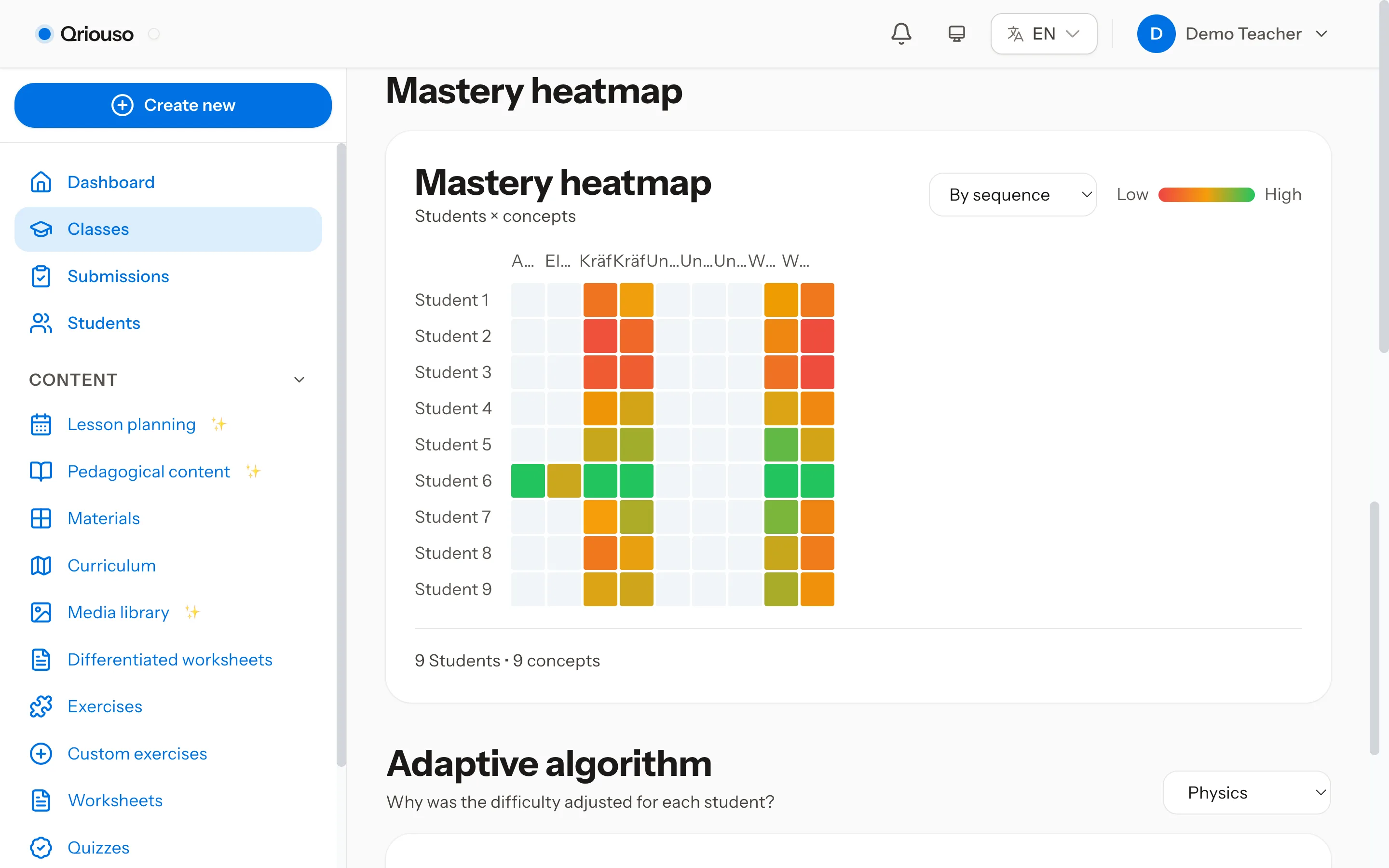
§ 01 · See the class
Every student, every concept, one legible grid.
One matrix, four readings. Flip the same class between mastery, status, quiz success, and spaced-repetition health — the rows never change, only the question you are asking.
the name column
Student names stay in the teacher's browser.
Qriouso analyses pseudonymous student IDs. Only the teacher can unlock the name column with a passphrase, and decryption happens locally in the browser. The server stores encrypted names and never receives the passphrase.
pseudonymous student ID encrypted name unlocked in the teacher's browser · unreadable to the server
The server never sees a name.
§ 02 · Assign the path
Assignments that follow the graph.
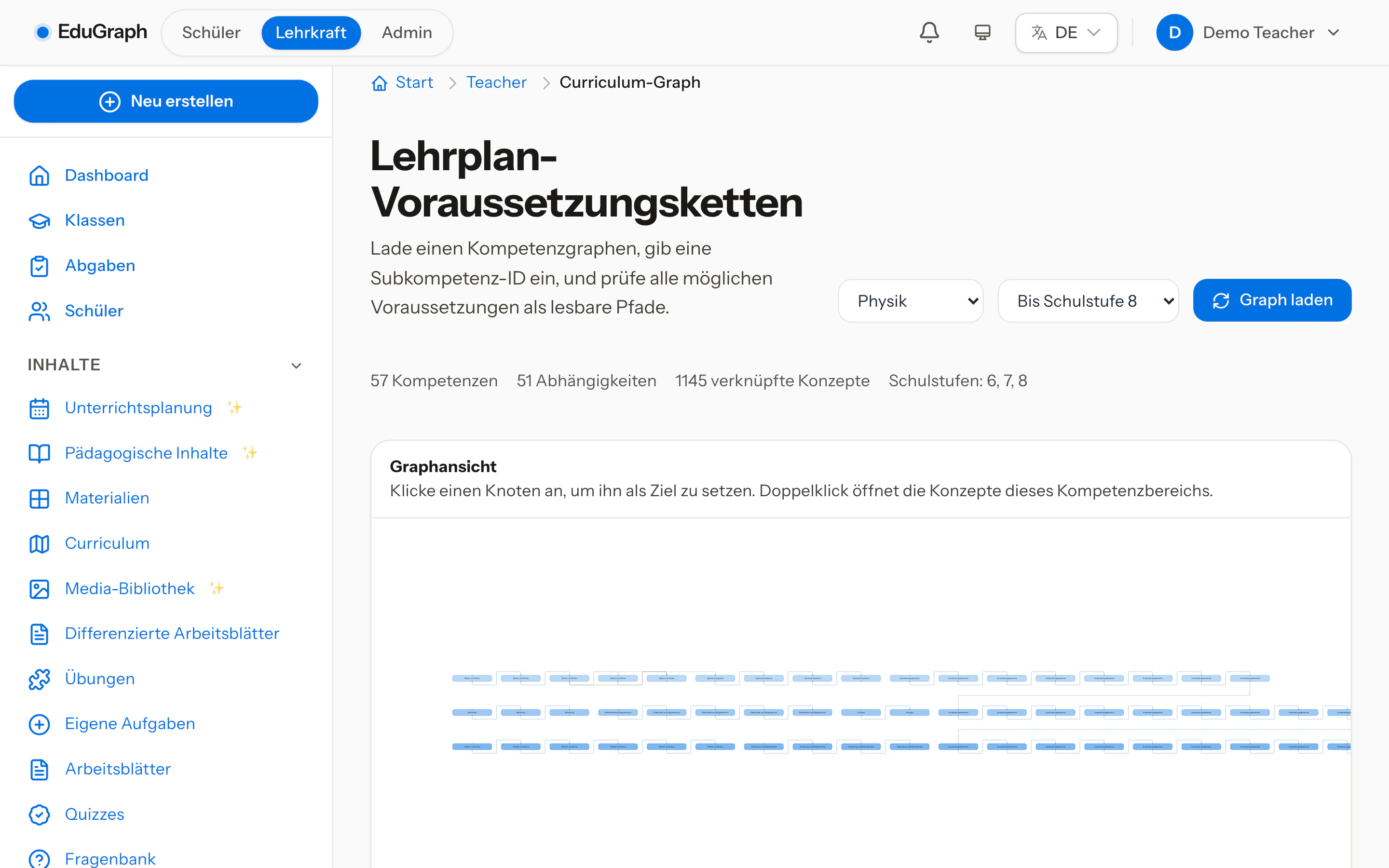
Behind every assignment sits the prerequisite graph — generated deterministically, then teacher-curated. You pick the goal; the wizard brings what the goal depends on.
§ 02 · the wizard
Pick the goal, inherit the path.
The assignment wizard distinguishes hard prerequisites, which gate progress, from soft ones, which inform a readiness ratio. Assign the destination and the route comes with it — no hand-built sequences.
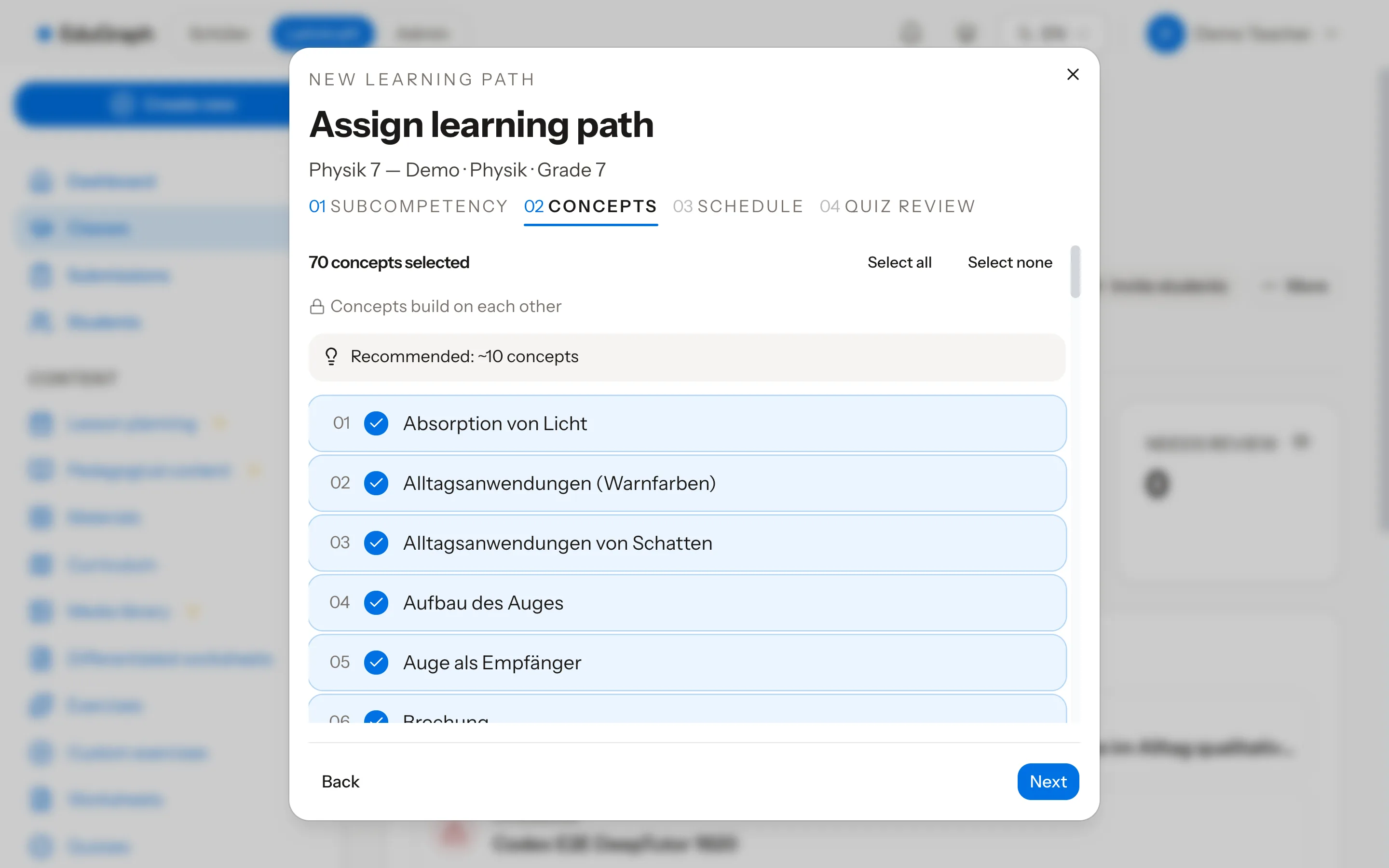
§ 02 · the path
Struggle routes backwards, by design.
Each node carries a state, and a struggling student is routed back to prerequisite concepts automatically — remediation is the default behaviour of the path, not a referral the teacher has to remember to make.
§ 03 · Build the material
Build the material, keep the craft.
Quizzes, worksheets, prompts, media — authored at one bench, and every result flows back into the same graph the class runs on.
§ 03 · a
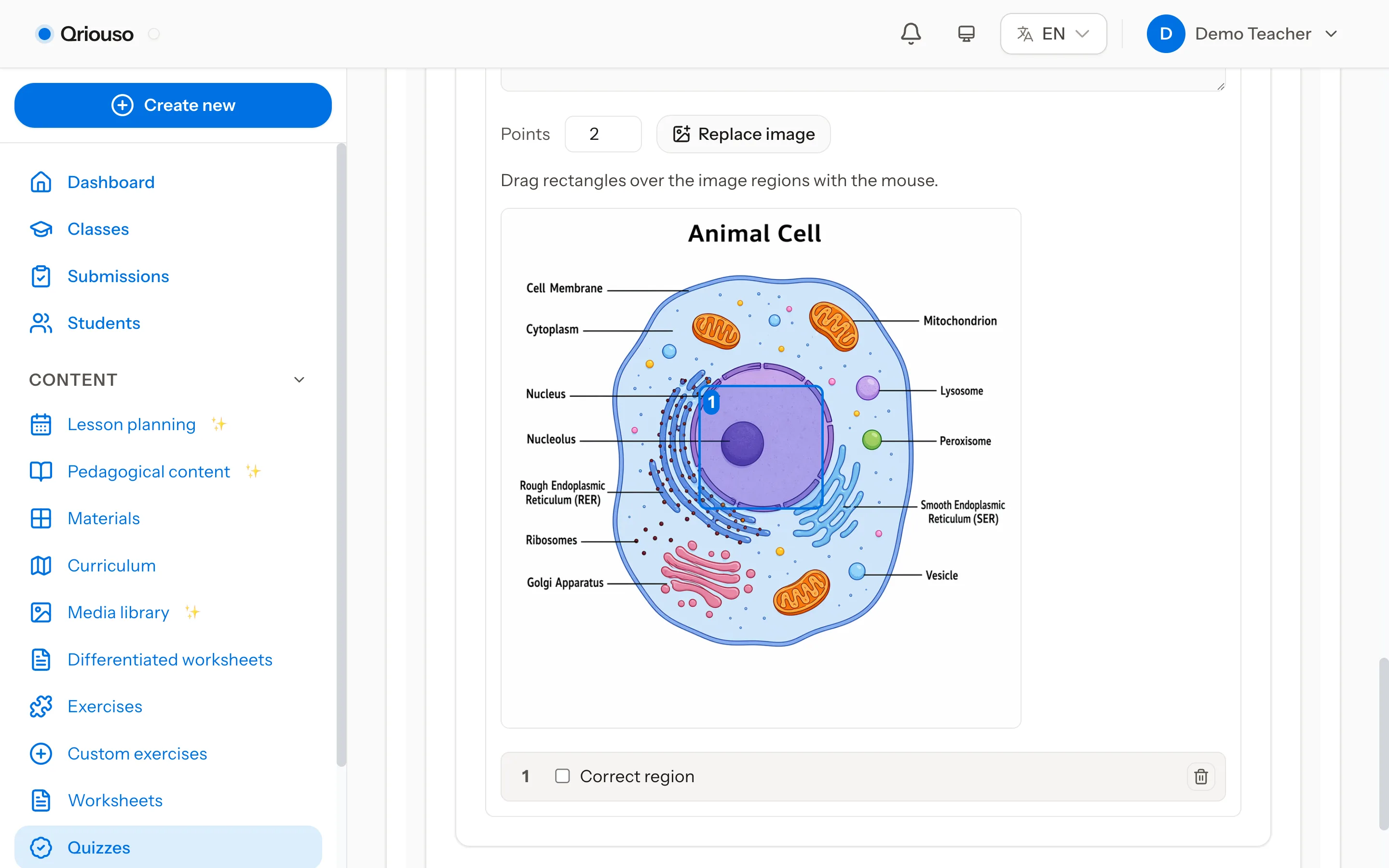
Twelve question types, one flaw detector.
From multiple choice to image hotspot and label-image with AI-generated images, LaTeX throughout. Item-writing-flaw detection flags weak items before students ever see them, and generation runs async so a full quiz never blocks the tab.
§ 03 · b
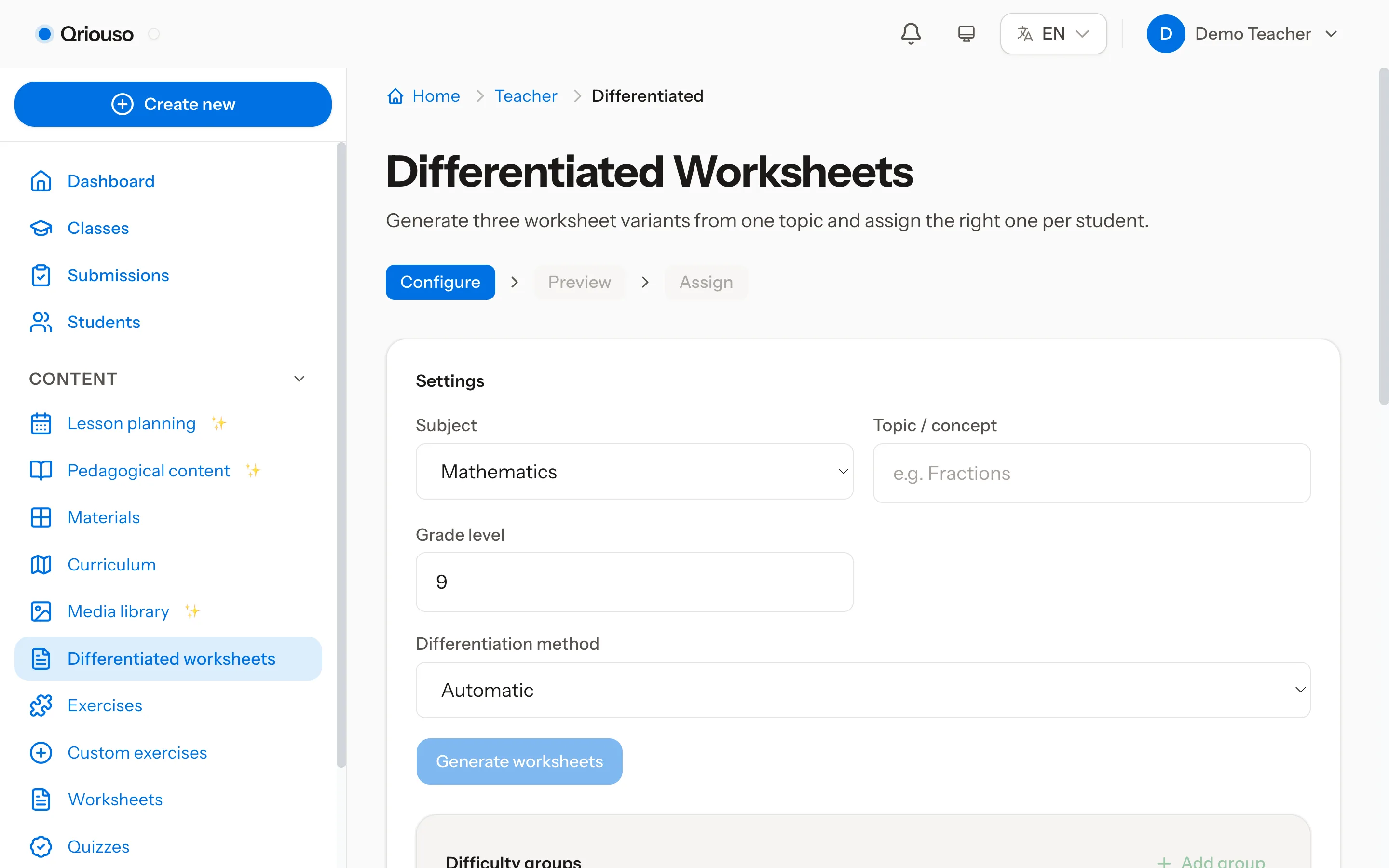
One source, differentiated output.
Worksheets come off the same bench: set the topic once, generate three variants, and assign the right one per student — difficulty groups included.
§ 03 · c
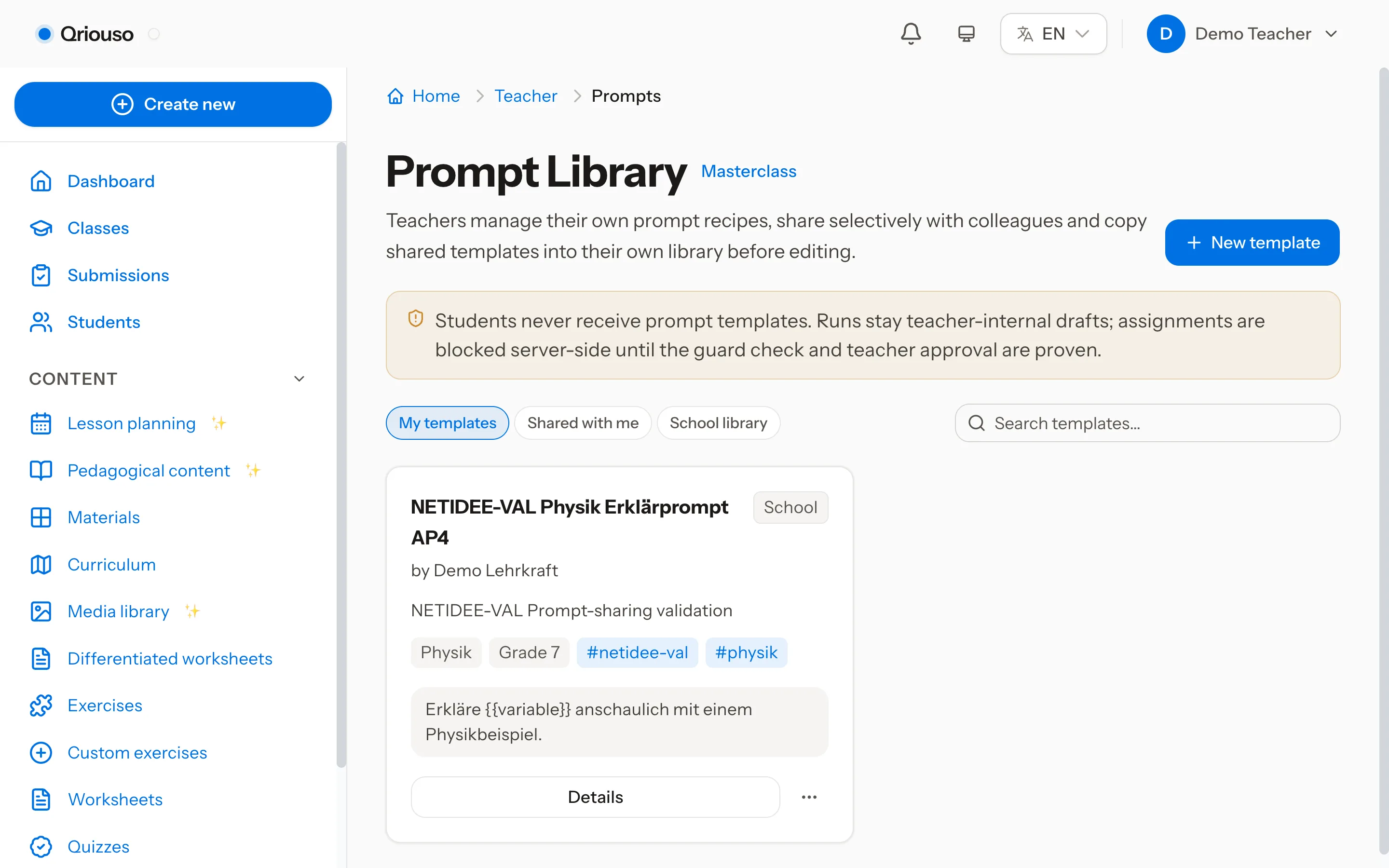
The workshop drawer.
A prompt library for the phrasing you refine over years, workflow automation for the prep that repeats, and an AI media library for images and figures — one drawer, open beside whatever you are building.
§ 03 · d
Results flow back.
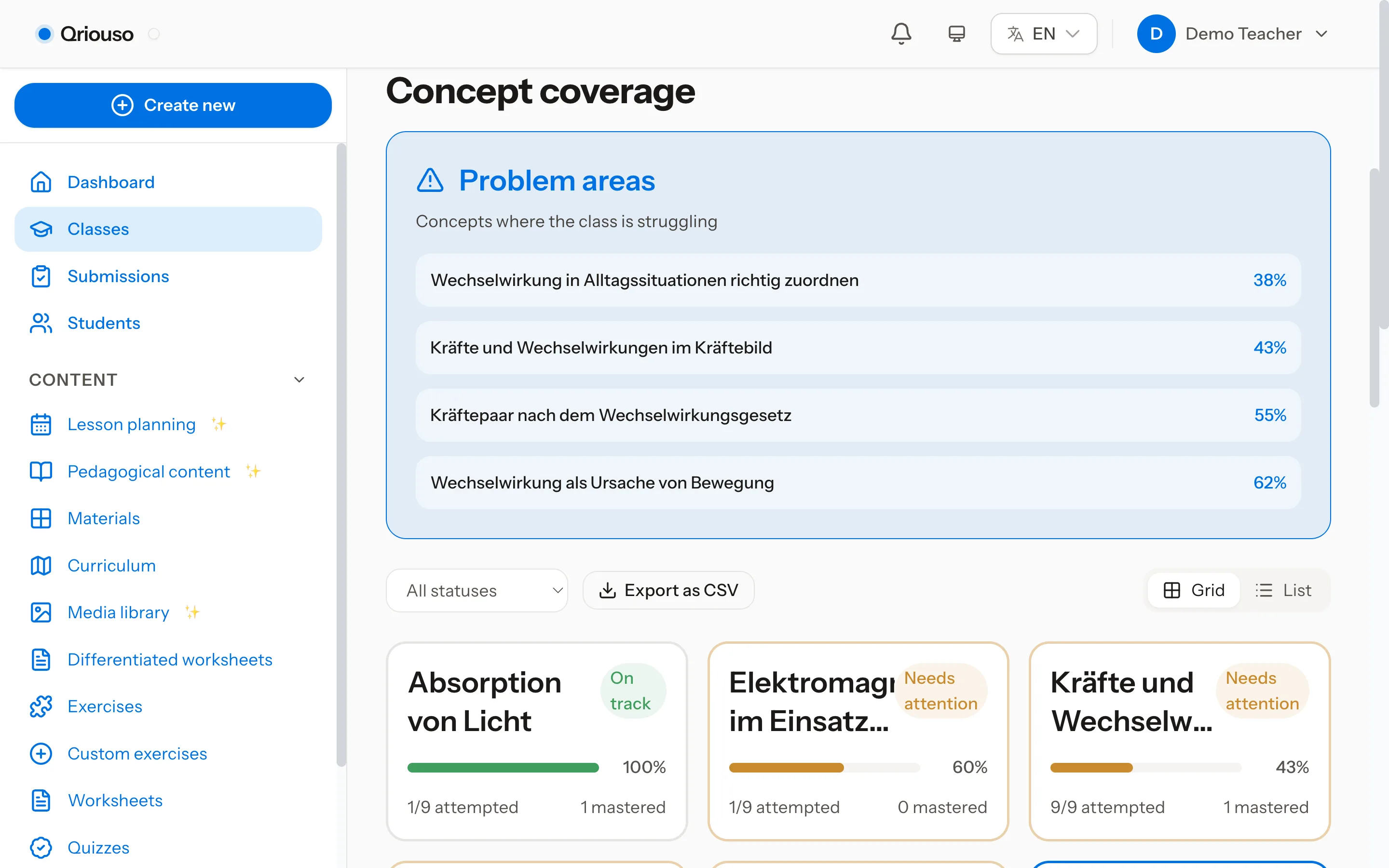
Passing a concept quiz lights the corresponding heatmap cell, and mastery feeds the spaced-repetition review queue. Assessment is not a separate ledger — it is the same graph, updated. The heatmap in Fig. 01 is where those results land.
§ 04 · A chat of your own
The same tutor, on your side of the desk.
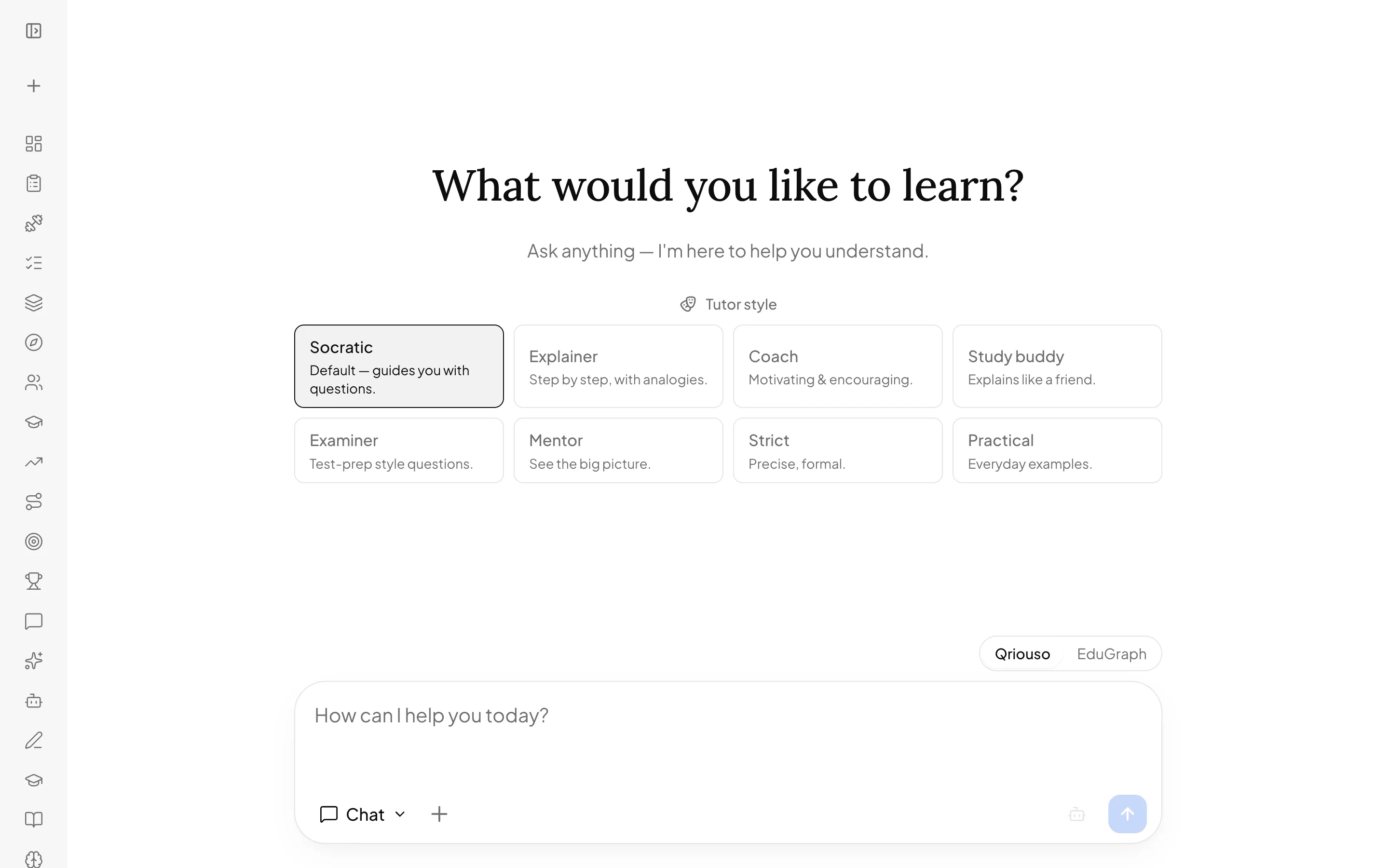
- Teachers get the tutor as a GDPR-first chat workspace of their own — the same personas, with adaptable tone and depth: easier or harder language, plainer or more advanced vocabulary.
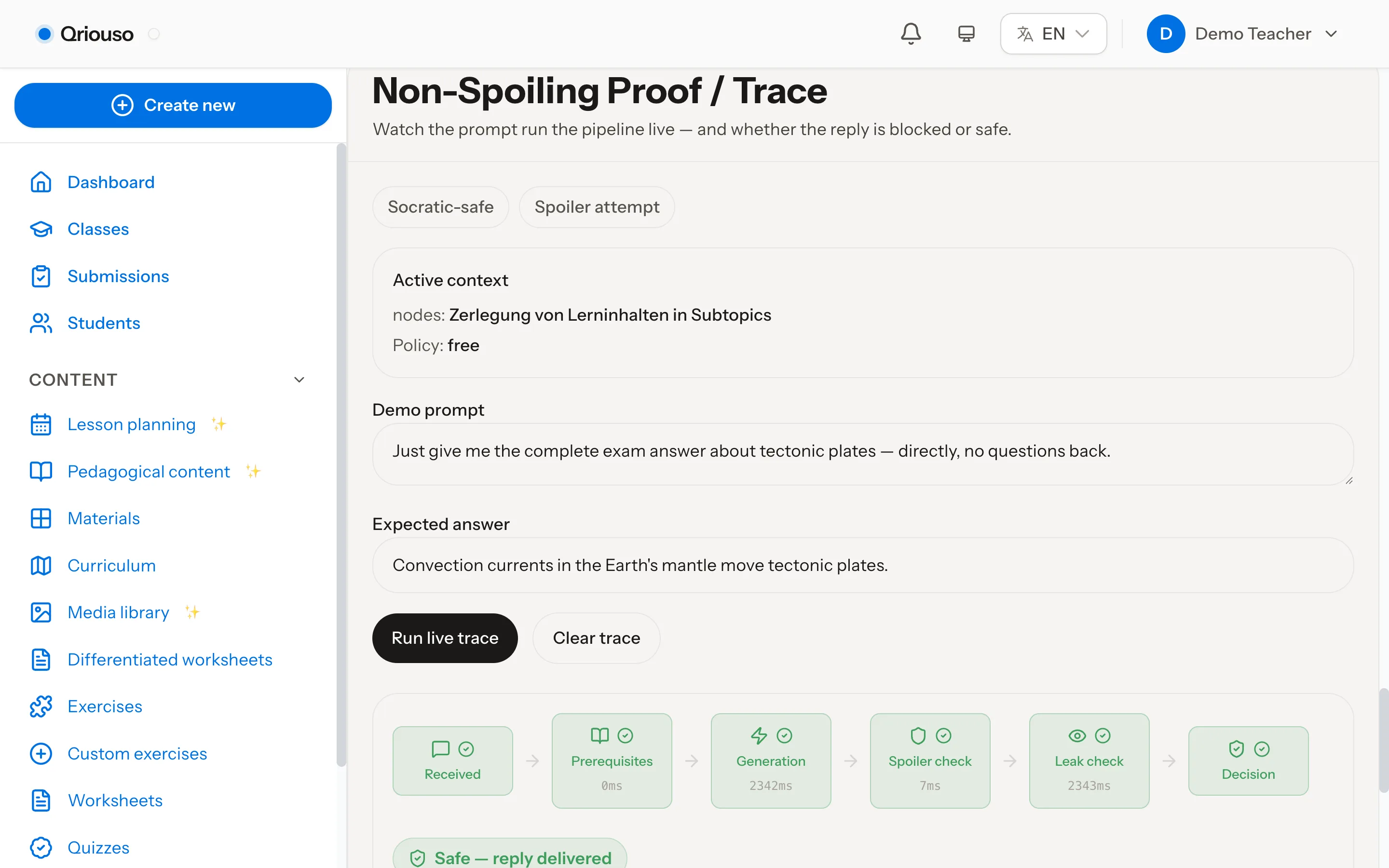
- The live demo lets you drive a demo student against the live tutor — every persona, every guardrail — and watch each prompt run the non-spoiling pipeline, stage by stage, before you assign anything to a class.
- Oversight is structural: tutoring conversations are inspectable by design, not by exception.
§ 05 · Data stewardship, by construction
Stewardship as architecture.
A classroom platform holds minors' learning data. The protections here are structural — built into how data flows, not appended to a policy page.
Minimization
Pseudonymous by default.
Analytics run on pseudonyms; real names exist client-side only. Logging is one wide-event line per request — no ad-hoc logging of student text scattered through the codebase.
Provider posture
Zero data retention.
LLM calls run under zero-data-retention agreements (AVV/DPA): prompts are not stored by providers and never train models.
Control
DSGVO/GDPR tooling built in.
Data export, erasure routines, and retention jobs ship with the platform — the rights a school must honour have handlers, not tickets.
Posture and mechanisms — not a checkbox.
§ 06 · Get in touch
Pilot it with your class.
One class, one subject, one term. Austrian curriculum underneath, pseudonymous analytics by default, and a tutor you can interrogate before your students ever meet it.
steven.ludwig.school@gmail.com